
Ordering Portal Walkthrough
Your first order from login to checkout, in under 5 minutes.
Video walkthrough. 4:32
In this tutorial
The QuickCabinets portal is how all our cut-to-size orders flow into production. This walkthrough shows you every step from logging in to submitting your first job, with screenshots of each screen and notes on the choices that matter.
The checklist
- Logging in and setting your account preferences
- Starting a new job and naming it for your records
- Adding a room: dimensions, board type, finish
- Adding cabinets: defaults vs custom sizing
- Hardware selection: Blum defaults and upgrades
- Delivery vs pickup. Choosing your zone
- Reviewing your live price and submitting the order
If anything in this tutorial doesn’t quite match your situation, book a demo call. Twenty minutes with a cabinetmaker walking you through how the system handles your scenario.
What we cut for.
Every job through our Meadowbrook workshop, cut to ±0.1mm, edged on EVA, ready to install.
See solution
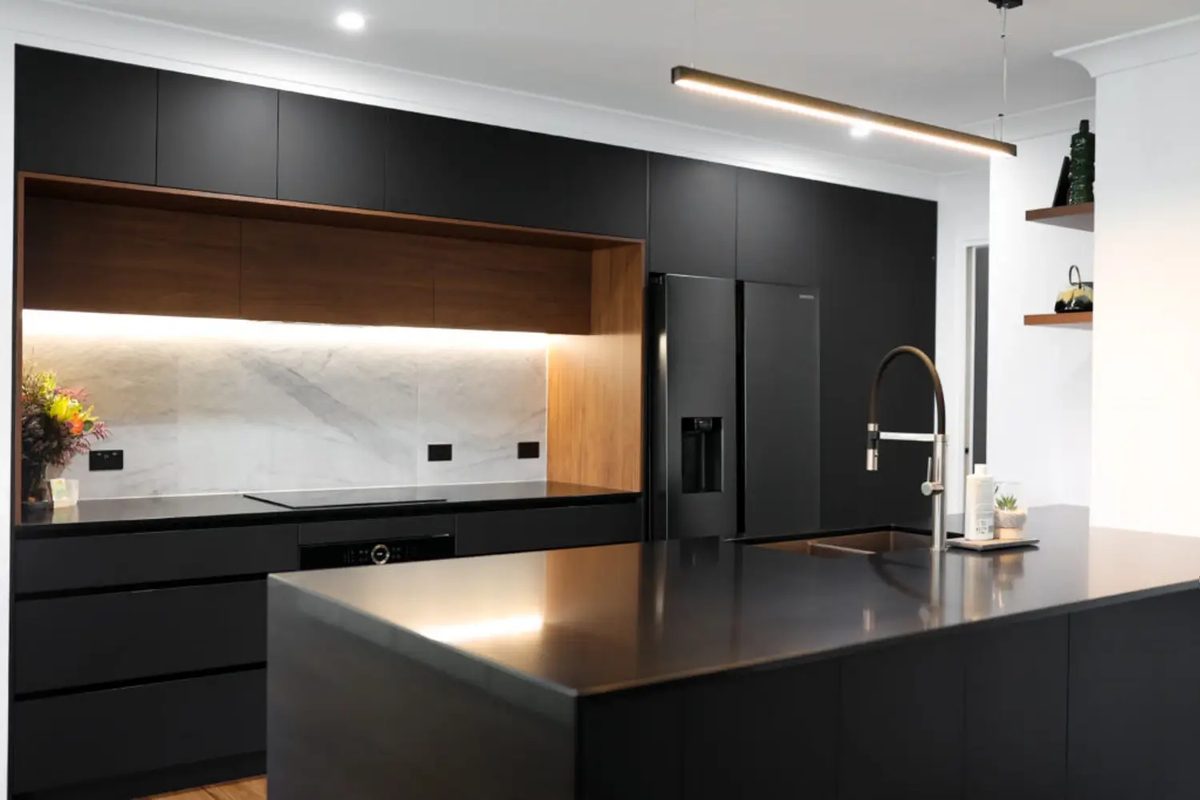
Shaker, slab, handleless, waterfall benchtops. Full kitchens from our Meadowbrook workshop.
Read more → WardrobesSee solution
Walk-ins, built-ins, sliding-door fronts, internal drawer banks. Cut to spec, edged, ready to install.
Read more → CommercialSee solution
Office fitouts, retail joinery, hospitality benches. Commercial-grade laminate, batched production.
Read more → Get pricingQuote inside one business day
Send measurements or plans, we cut and quote, you decide.
Get a quote →